Ship dynamic images without building an image pipeline
An image API for developers. Each template is a React component styled with Tailwind. Send it props from an API request, a live image URL or a spreadsheet row, and get the image back. Your AI assistant can write the templates through MCP. Ads, listings, product cards, certificates: anything generated from data.
claude mcp add --transport http jsximage https://jsximage.com/mcp
Free for 30 days: 250 renders and 3 templates, no credit card.
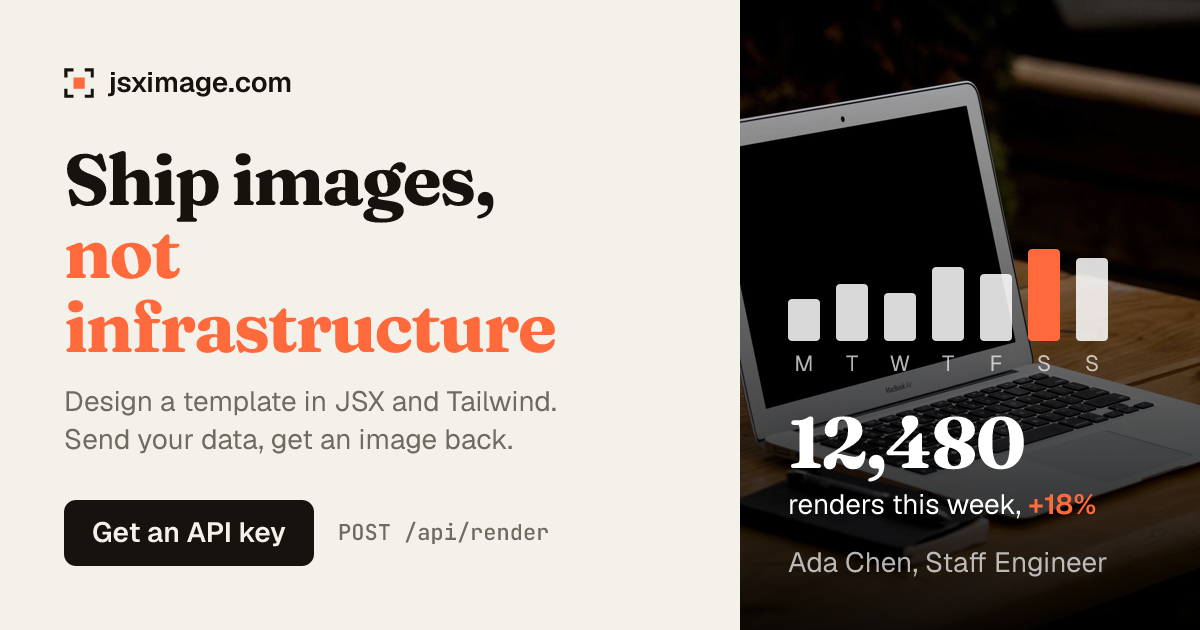
curl -X POST https://jsximage.com/api/render \
  -H "Authorization: Bearer YOUR_API_KEY" \
  -H "Content-Type: application/json" \
  -d '{
    "template": "<template-uid>",
    "props": {
      "title": "Ship images,",
      "highlight": "not infrastructure",
      "author": "Ada Chen"
    }
  }' \
--output hero.png// Kitchen sink: most of what JSXImage can do, in one template. Change anything
// and press Refresh. `props` holds the default values the template accepts; a
// request that sends other values lays them over these.
export const props = {
title: "Ship images,",
highlight: "not infrastructure",
subtitle: "Design a template in JSX and Tailwind. Send your data, get an image back.",
metric: "12,480",
change: "+18%",
author: "Ada Chen",
role: "Staff Engineer",
photo: "https://picsum.photos/id/0/920/1260",
weekly: [38, 52, 44, 68, 61, 84, 76],
};
type Props = typeof props;
// Plain JavaScript works: data and helpers live above the component.
const days = ["M", "T", "W", "T", "F", "S", "S"];
// Helper components are plain functions that return JSX.
// Inline SVG, drawn from the data: the best day is in the accent color.
function Chart({ values }) {
const max = Math.max(...values);
return (
<svg width="320" height="96" viewBox="0 0 320 96">
{values.map((value, i) => {
const height = Math.round((value / max) * 92);
return (
<rect
x={i * 48}
y={96 - height}
width="32"
height={height}
rx="4"
fill={value === max ? "#ff6a3d" : "rgba(255,255,255,0.85)"}
/>
);
})}
</svg>
);
}
// Three sizes: the display size (72px, in a serif from Google Fonts), the
// body size (28px) and a small one (22px) for the chart labels and the code.
export default function KitchenSink(props: Props) {
return (
// Geist is the built-in font; name it here so the listed fonts are only
// used where a style asks for them.
<div
class="bg-paper text-ink flex h-full w-full text-[28px] leading-[1.35]"
style={{ fontFamily: "Geist" }}
>
{/* Left: the message, on a flat theme color. */}
<div class="flex flex-1 flex-col justify-between p-[64px]">
<div class="flex items-center gap-[14px]">
<svg width="30" height="30" viewBox="0 0 16 16" fill="none">
<path
stroke="#16130f"
stroke-width="1.6"
d="M1 5V1h4M11 1h4v4M15 11v4h-4M5 15H1v-4"
/>
<rect x="5" y="5" width="6" height="6" fill="#ff6a3d" />
</svg>
<span class="font-semibold">jsximage.com</span>
</div>
<div class="flex flex-col gap-[20px]">
<div
class="flex flex-col text-[72px] font-bold leading-[1.02] tracking-[-0.03em]"
style={{ fontFamily: "Fraunces" }}
>
<span>{props.title}</span>
<span class="text-accent">{props.highlight}</span>
</div>
<span class="text-muted max-w-[560px]" style={{ textWrap: "balance" }}>
{props.subtitle}
</span>
</div>
<div class="flex items-center gap-[24px]">
<div class="bg-ink text-paper flex rounded-[12px] px-[28px] py-[14px] font-semibold">
Get an API key
</div>
<span class="text-muted text-[22px]" style={{ fontFamily: "JetBrains Mono" }}>
POST /api/render
</span>
</div>
</div>
{/* Right: a photo, faded to dark at the bottom so the text on it reads. */}
<div class="relative flex h-full w-[460px] overflow-hidden">
<img src={props.photo} class="absolute inset-0 h-full w-full object-cover" />
<div class="bg-linear-to-b absolute inset-0 from-black/10 via-black/50 to-black/90" />
<div class="relative mt-auto flex w-full flex-col p-[48px] text-white">
<Chart values={props.weekly} />
<div class="mt-[8px] flex gap-[16px] text-[22px] text-white/70">
{days.map((day) => (
<span class="w-[32px] text-center">{day}</span>
))}
</div>
<span
class="mt-[28px] text-[72px] font-bold leading-none tracking-[-0.03em]"
style={{ fontFamily: "Fraunces" }}
>
{props.metric}
</span>
<span class="mt-[8px]">
renders this week, <span class="text-accent font-semibold">{props.change}</span>
</span>
<span class="mt-[20px] text-white/70">
{props.author}, {props.role}
</span>
</div>
</div>
</div>
);
}
// Theme colors become classes (bg-paper, text-ink, text-accent, ...). Geist is
// built in; other fonts are fetched when the image renders: list each one.
export const options = {
width: 1200,
height: 630,
format: "png",
css: {
selector: ":root",
style: {
"--color-paper": "#f4f1ea",
"--color-ink": "#16130f",
"--color-muted": "#6f6a62",
"--color-accent": "#ff6a3d",
},
},
fonts: [
{ googleFont: "Fraunces", weight: 700 },
{ googleFont: "JetBrains Mono", weight: 500 },
],
};
Let Claude design your templates
Add the JSXImage MCP server to Claude, Cursor or any MCP client and describe the image you need. The assistant writes the template, checks the result and gives you a link to the playground. With Claude in Chrome it reads your site's colors, fonts and logo first, so the template matches your brand. Creating templates needs no account.
From your site's branding. With Claude in Chrome, Claude looks at the page you're on and builds a template in its colors, fonts and logo.
create_template. The assistant sends the template source and gets a link back, or an error to fix and retry.
modify_template. Paste a shared link and describe the change. The assistant edits a copy, and the original stays as it was.
claude mcp add --transport http jsximage https://jsximage.com/mcp
Templates that load their own data
Export a data function and the template fetches what it shows before it renders. Your app sends an id, not every field, and the image shows the numbers as they are now. It's how the free GitHub README card stays up to date.
Send an id, not the data. The request names the record. The template fetches the rest and merges it into the props.
Fresh by itself. Live image URLs from a data template are cached for 6 hours, not 30 days, so one URL follows the data.
A narrow fetch. GET only, to public APIs such as GitHub, Shopify products, npm and Wikipedia, with limits on requests, size and time.
The same everywhere. The playground preview, the API and image URLs all run the data function with the same rules.
export const props = { repo: "react/react" };

// Runs before the render; what it returns
// is merged into the props.
export async function data(props) {
  const res = await fetch(
    `https://api.github.com/repos/${props.repo}`,
  );
  const repo = await res.json();
  return { stars: repo.stargazers_count };
}
A render API for your backend
Send a template uid and props to one HTTPS endpoint and get the finished image in the response. Call it from a request handler, a queue worker or a cron job, in any language.
PNG, JPEG and WebP. Up to 4000 × 4000 px, with custom fonts and remote images in your templates.
Organization API keys. Create and revoke keys in the dashboard. Requests send the key as a Bearer token.
Quota in the headers. At the monthly limit the API returns 429 with a Retry-After header.
curl -X POST https://jsximage.com/api/render \
  -H "Authorization: Bearer YOUR_API_KEY" \
  -d '{"template": "<uid>", "props": {"title": "Hello"}}' \
  --output out.png

HTTP/1.1 200 OK
Content-Type: image/png
X-Quota-Limit: 5000
X-Quota-Remaining: 4731

<PNG bytes>
Live image URLs
Sign a URL in your own code and put it in an img tag, an og:image meta tag or an email. Save the template, and the image changes everywhere the URL is embedded. Signing is a local calculation: building a URL needs no network request, so it works in a build step, a page template or a request handler. An image is rendered when its URL is first opened.
HMAC-SHA256 signatures. Changing the template, a prop or the format invalidates the URL. Rotate the key from the dashboard.
Updates when you save. Every URL already in use shows the new design. Each image is cached per template version.
Counted once. A URL uses one render the first time it is opened. Opening it again is free.
Served from its own domain. A separate image server answers URLs only, and caches each image per template version.
import { createHmac } from "node:crypto";

const file = `${templateUid}.png`;
const query = new URLSearchParams({
  title: post.title,
  author: post.author,
}).toString();

const s = createHmac("sha256", process.env.JSX_SIGNING_KEY)
  .update(`${file}?${query}`)
  .digest("hex");

const ogImage = `https://jsximg.com/i/${file}?${query}&s=${s}`;
A spreadsheet to a zip of images
Bulk export renders one image per row of a CSV or Excel file with the template in the editor. It runs in your browser: nothing is uploaded and it doesn't use your monthly renders.
Columns become props. Each header maps to a prop name, and you can rename or skip any column.
Named files, your format. Name the images by row number or by a column, and choose PNG, JPEG or WebP.
Failed rows are listed. A row that errors is described in errors.csv in the zip. The other rows still render.
A limit per run by plan. From 250 images per run on Starter to 2,000 on Business.
name,role,company
Ada Chen,Staff Engineer,Northwind
Sam Okafor,Designer,Acme
Priya Raman,Product Manager,Globex
Examples
Real templates, rendered by JSXImage. Open one in the playground and make it your own. Planning a December campaign? Create a year in review image for every user.
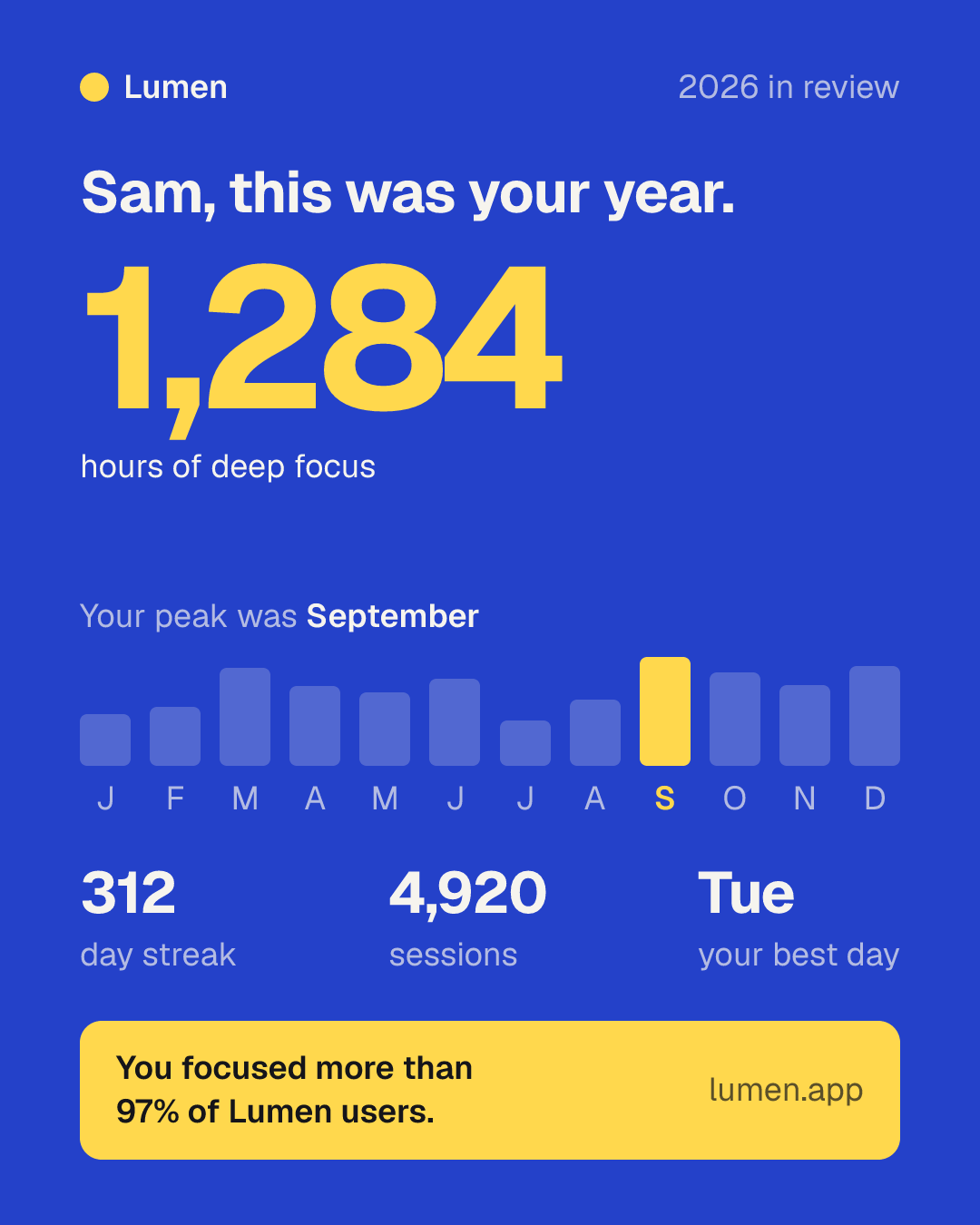
A year in review
1080 × 1350A year in review card for every user to share, with their own numbers and the shape of their year.
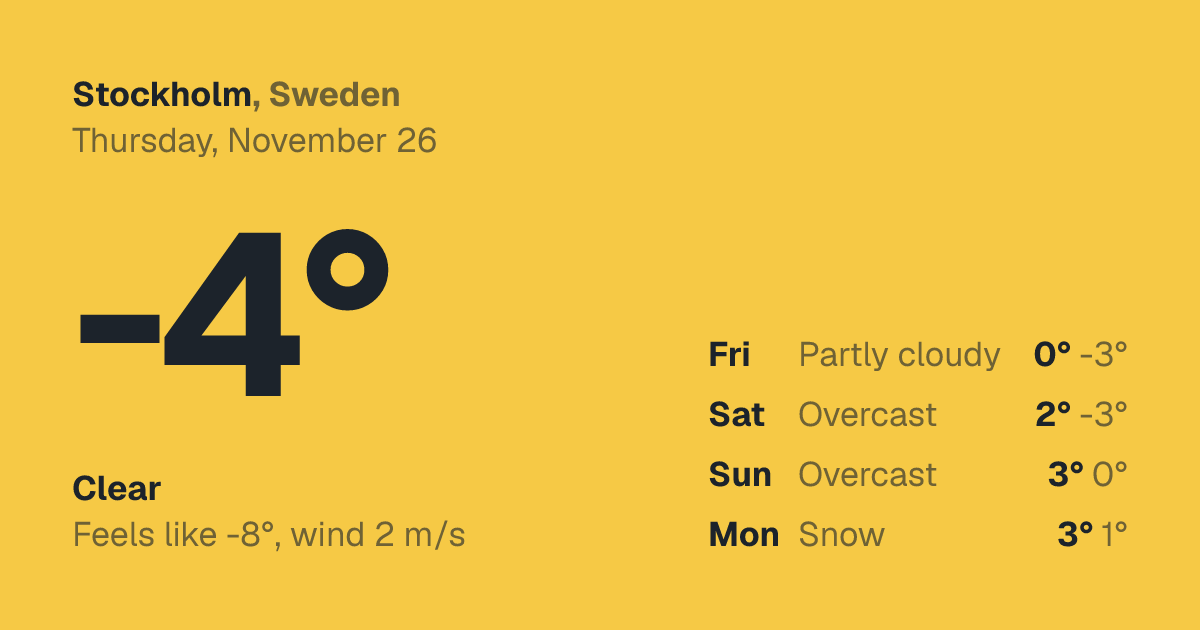
Weather card
1200 × 630Today's weather and the next days for any city, live from Open-Meteo. Send a city name and your colors.
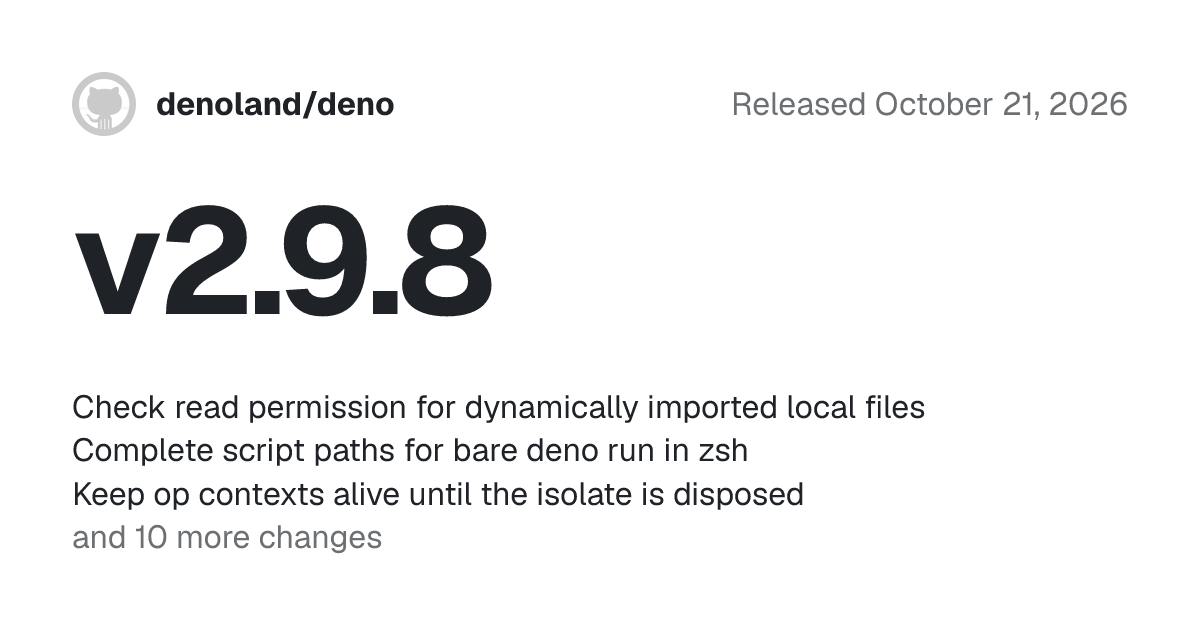
GitHub release
1200 × 630A project's latest release with its version and top changes, live from GitHub. Send only the repository.
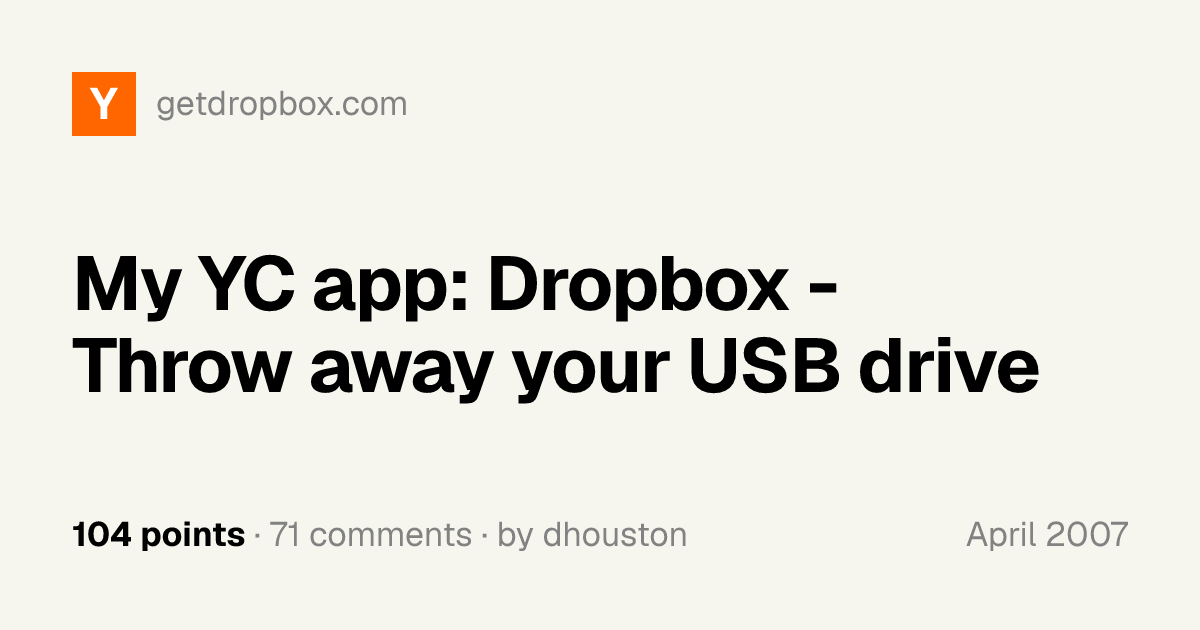
Hacker News story
1200 × 630Any Hacker News post with its points and comments, live from the HN API, in HN's own colors.

Open Graph image
1200 × 630One image per blog post, docs page or product, from the title and author.
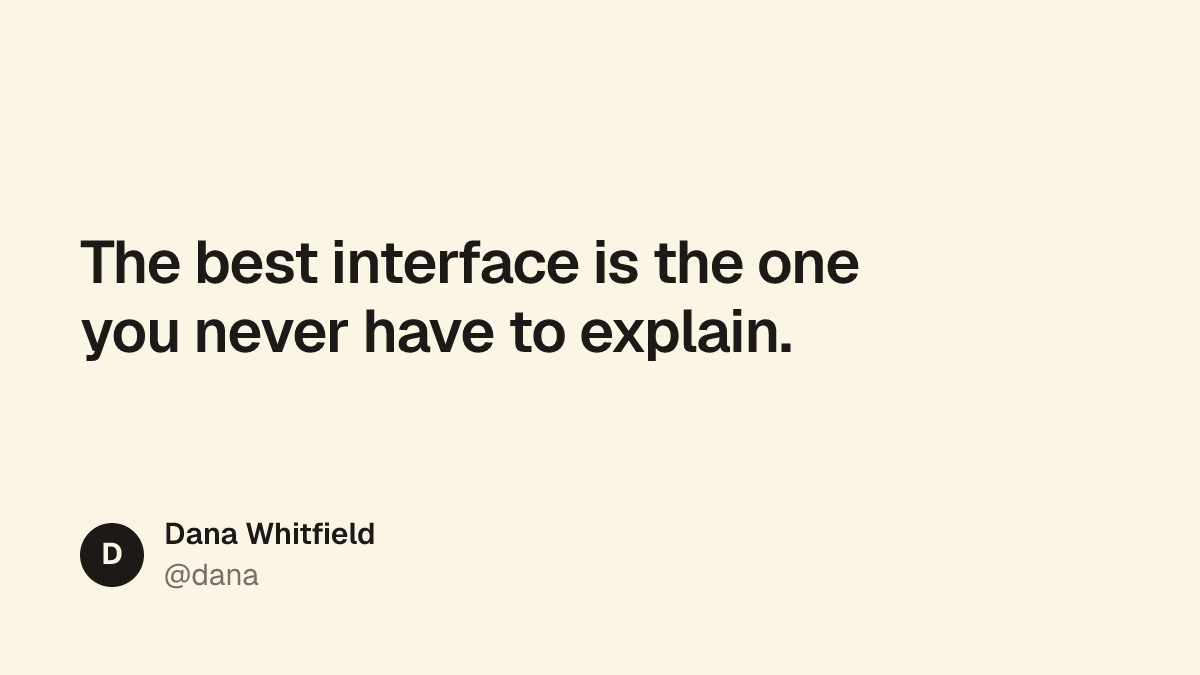
Social share card
1200 × 675Quote cards, release announcements and launch posts, sized for each network.

Product banner
1200 × 628Sale banners with the product, price and discount filled in per item.
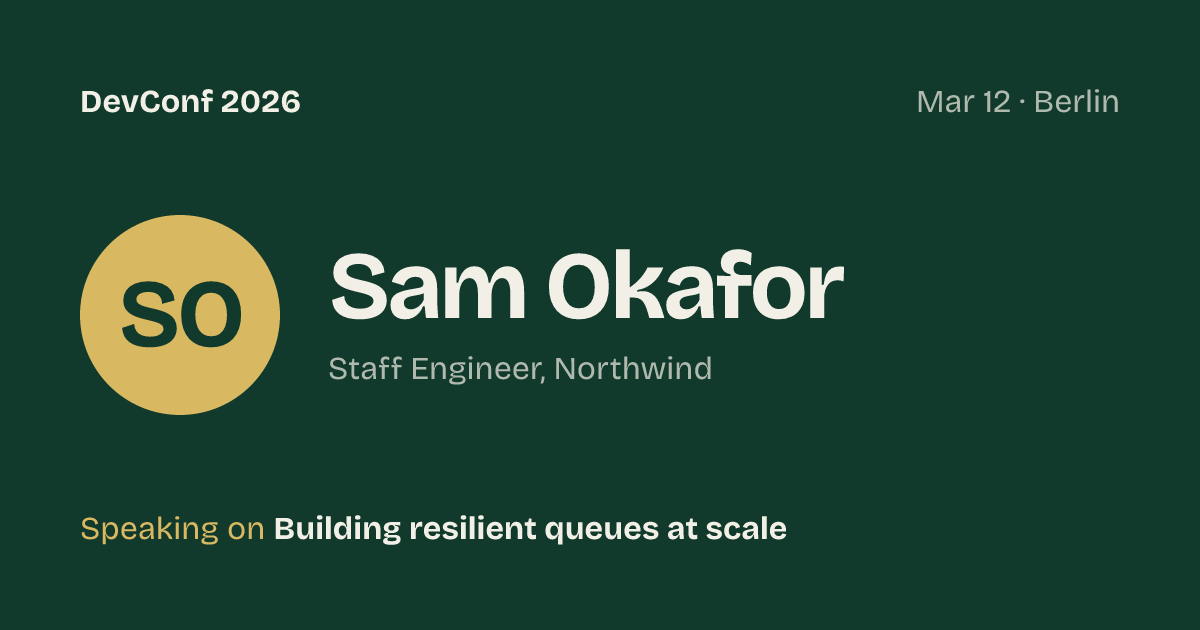
Event speaker card
1200 × 630A promo image per speaker or attendee, generated from the event schedule.

Certificate
1600 × 1131A certificate of completion per learner, with their name, course and date.
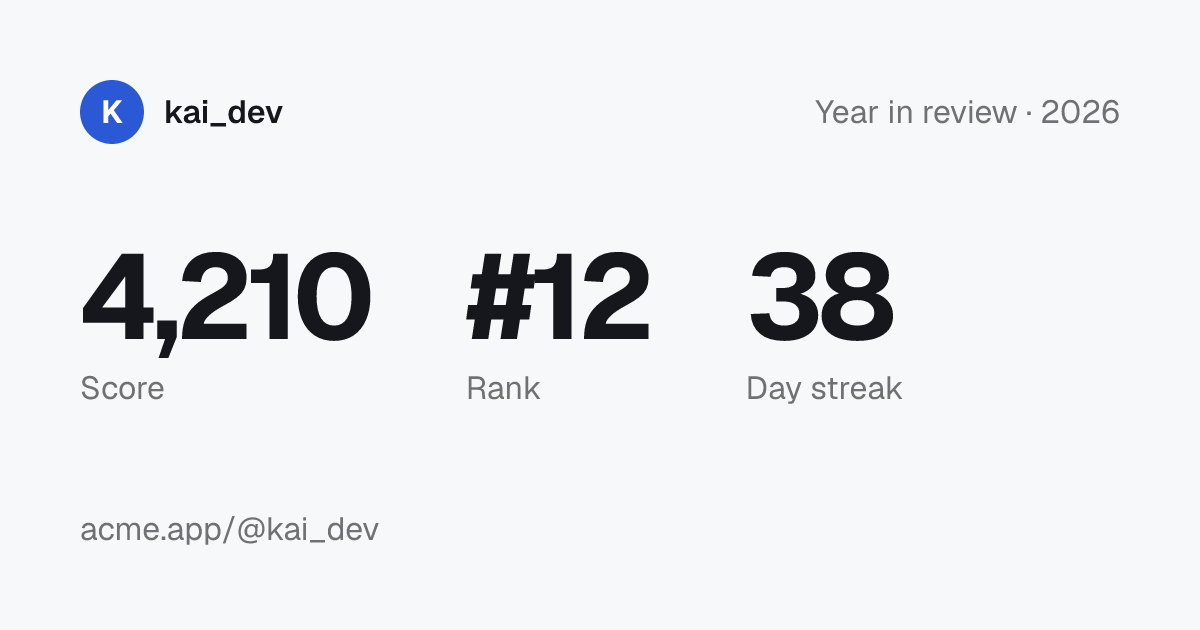
In-app share image
1200 × 630Let users share their profile, stats or results as an image that looks like your product.

Property listing
1200 × 630A share image per listing from the price, address, specs and photo in your database.
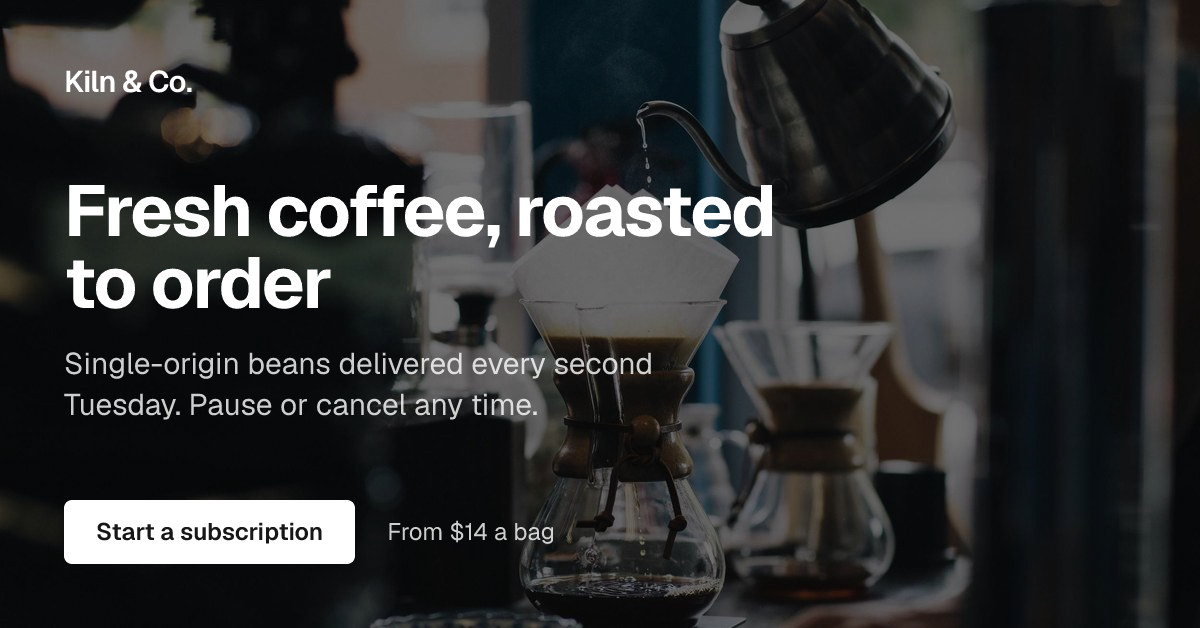
Display ad
1200 × 628Ad creatives per product, audience or campaign, generated from a spreadsheet or feed.
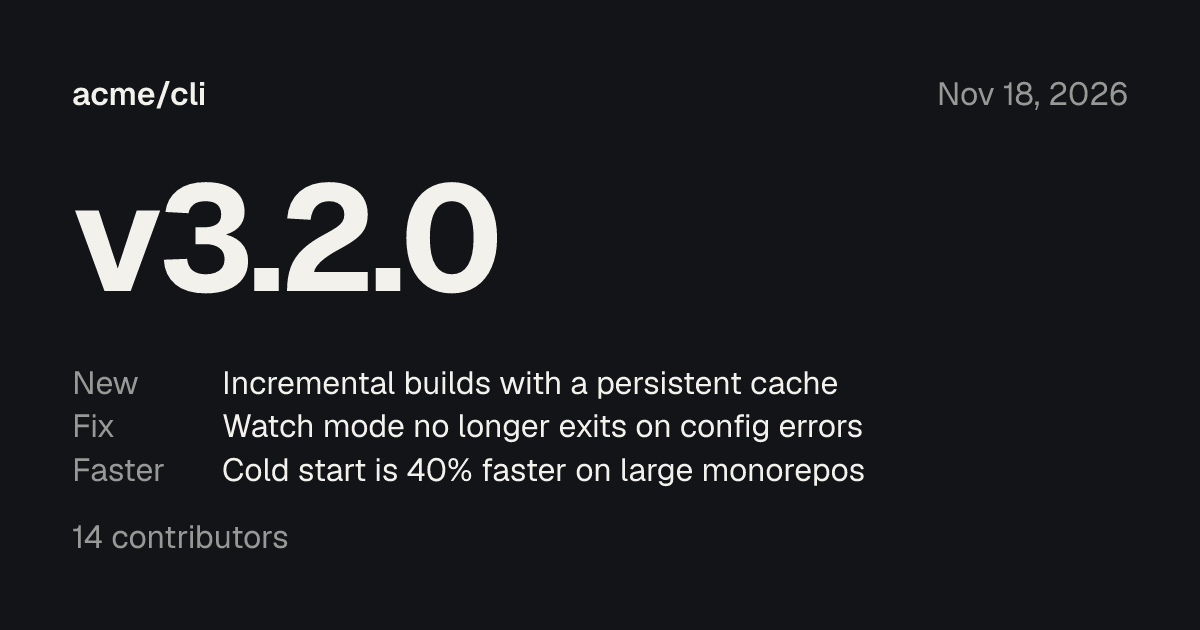
Release notes
1200 × 630A card for every release, built from your changelog in CI and posted to social or Slack.
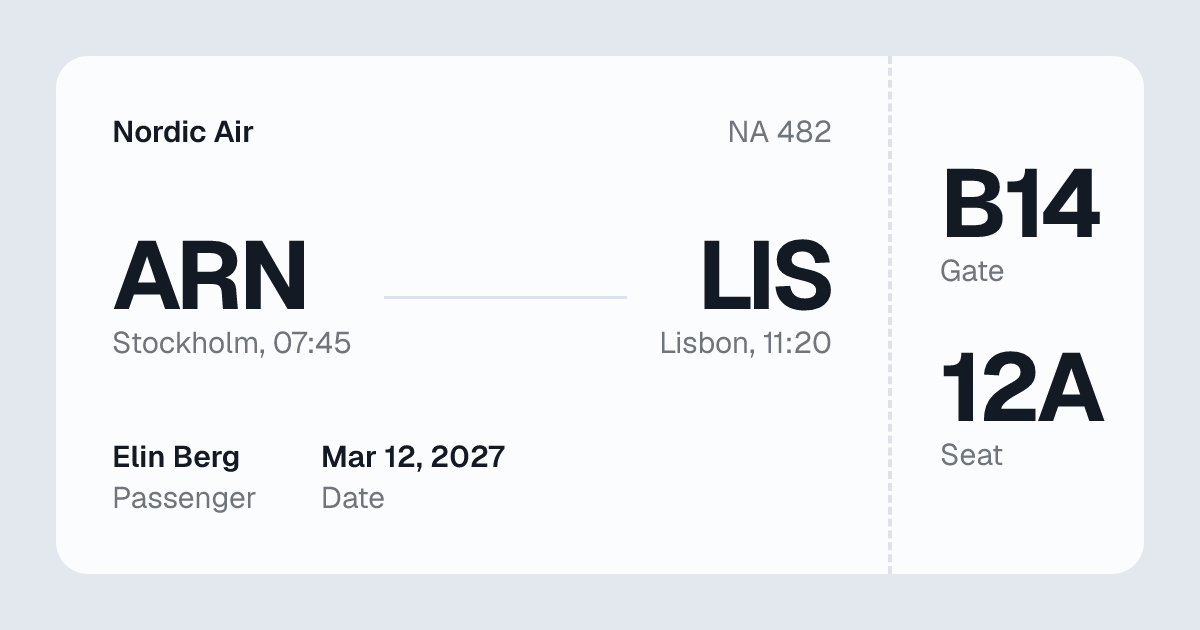
Boarding pass
1200 × 630Tickets, receipts and confirmations as images, for emails, wallets and chat.
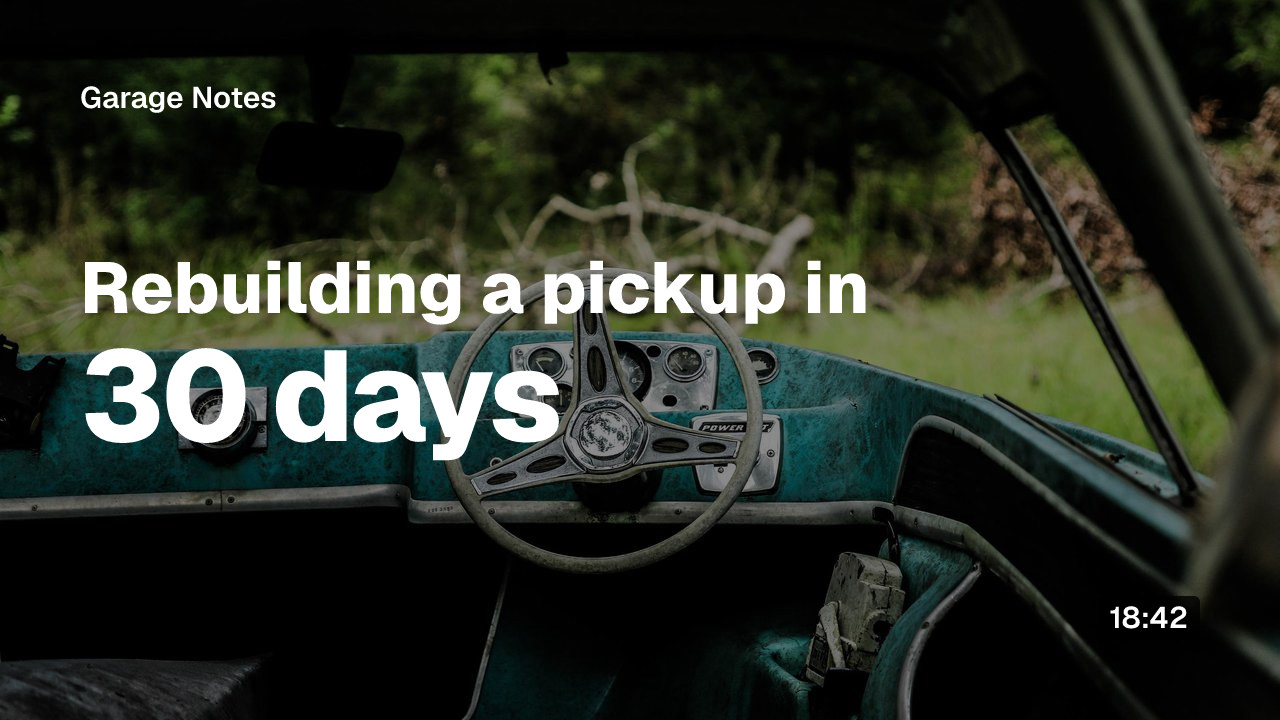
Video thumbnail
1280 × 720Thumbnails for every video or episode from its title, channel and still frame.
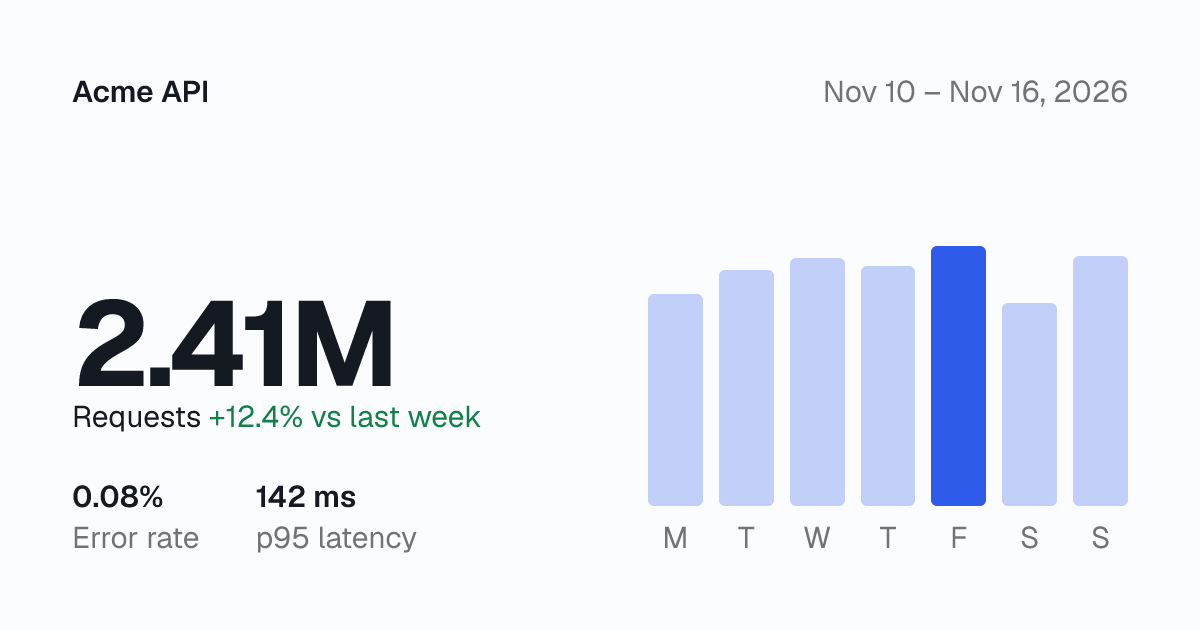
Metrics report
1200 × 630Charts and KPIs as an image for weekly emails, status updates and customer reports.
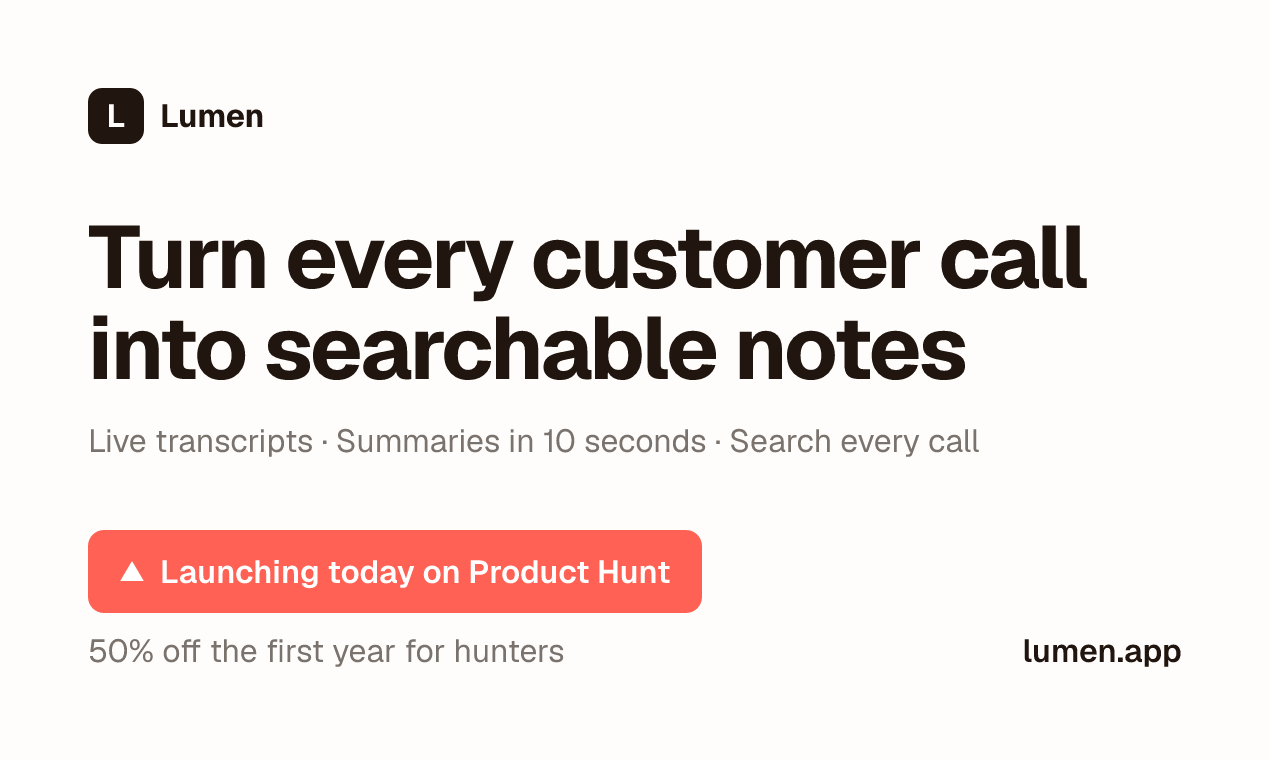
Product Hunt launch
1270 × 760Gallery images for a Product Hunt launch, with your product, tagline, features and launch offer.
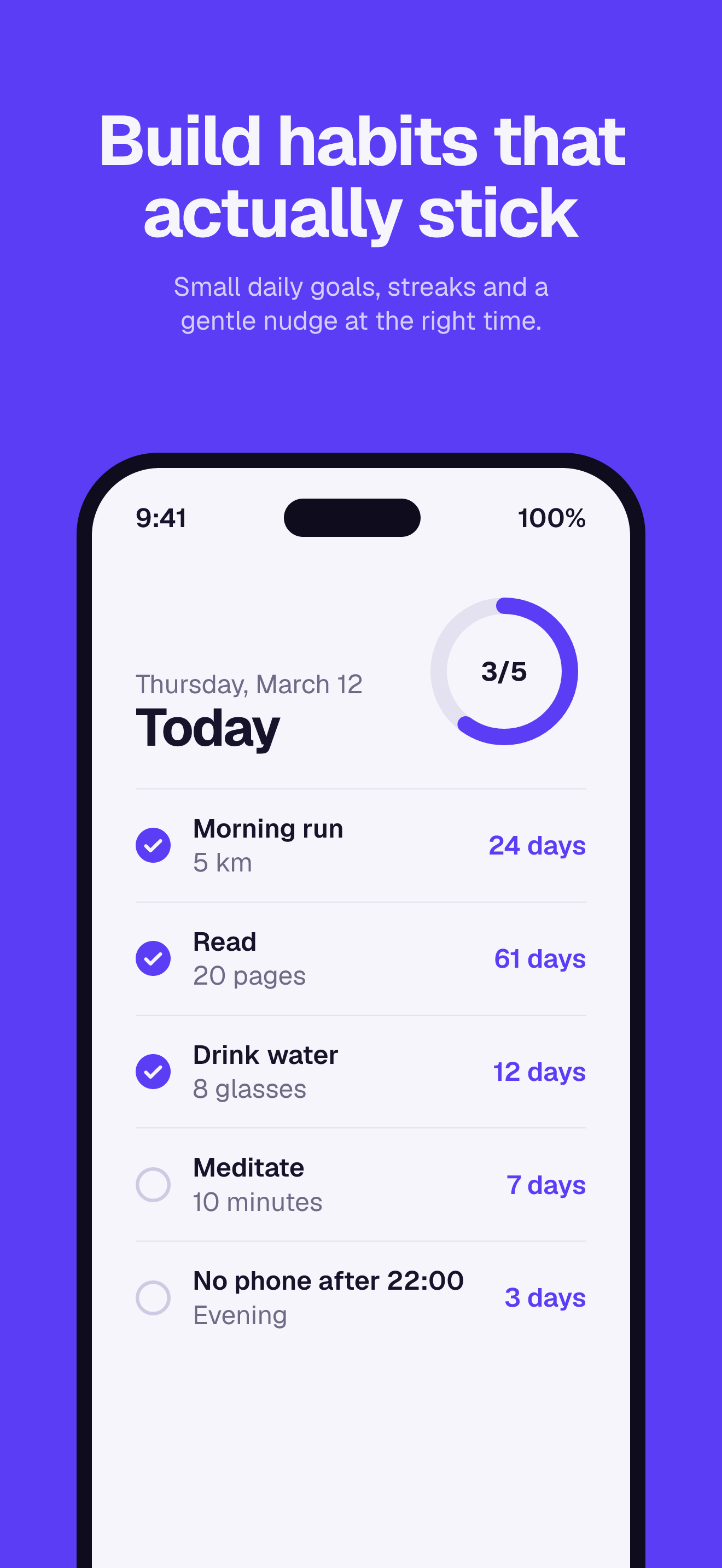
App Store screenshot
1320 × 2868iPhone screenshots with a headline and your app's screen, one per language or feature.
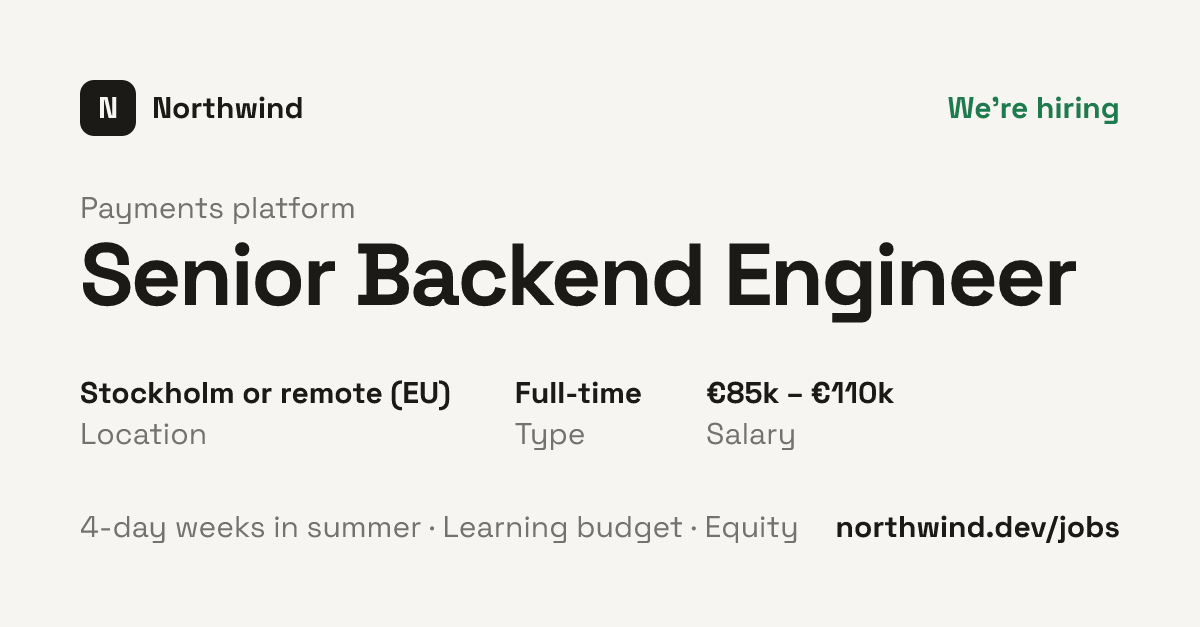
Job post
1200 × 627A hiring image for every open role, from your careers page or applicant tracking system.

GitHub README card
1280 × 640A live card for your GitHub repository, with its stars, forks and language, to put in your README or use as the social preview.
GitHub profile card
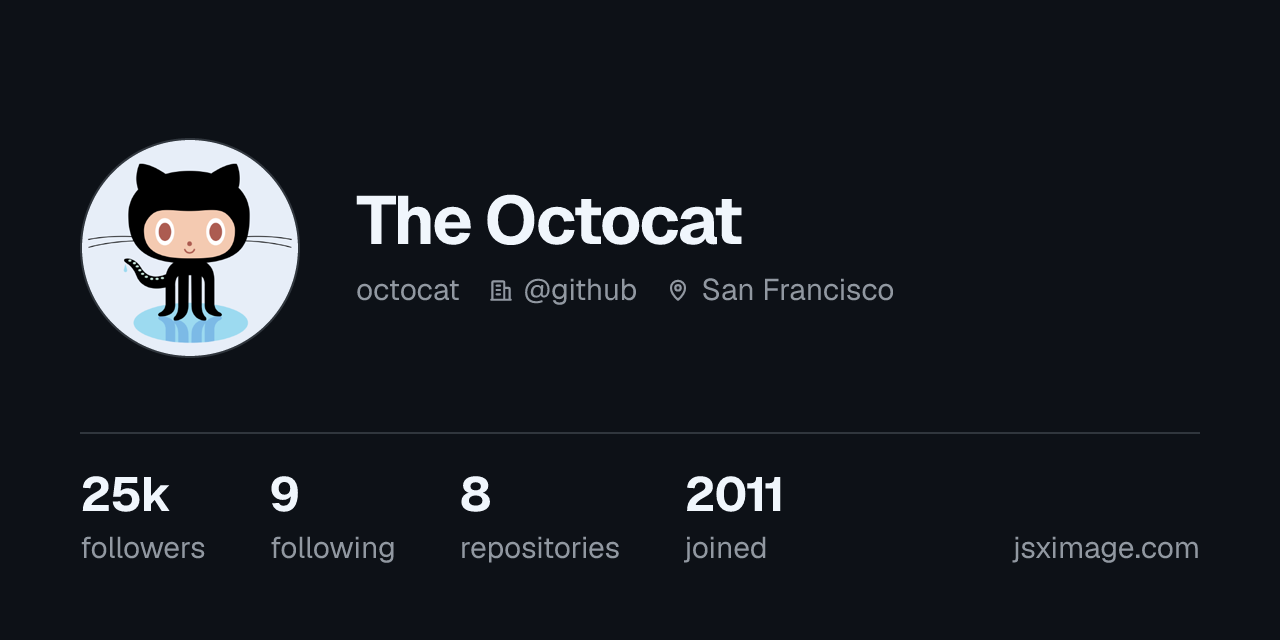
1280 × 640A live card for your GitHub profile README, with your name, bio, followers, repositories and the year you joined.
npm package card
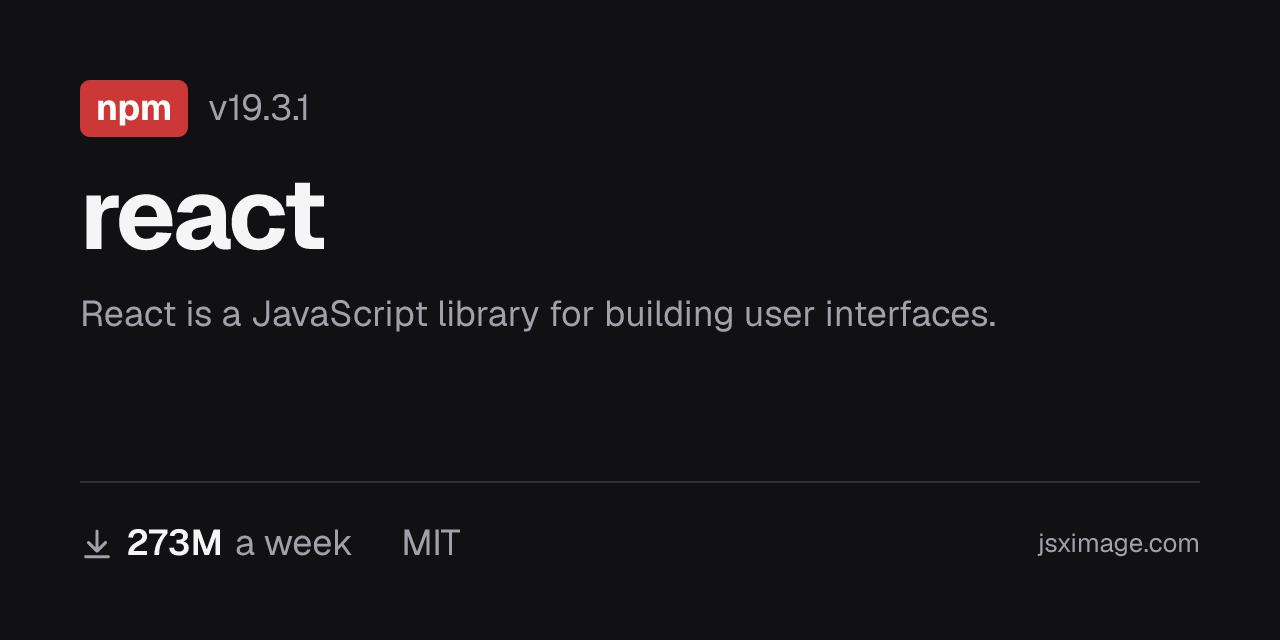
1280 × 640A live card for your npm package, with its latest version and weekly downloads, for your README, docs or launch post.
Code screenshot
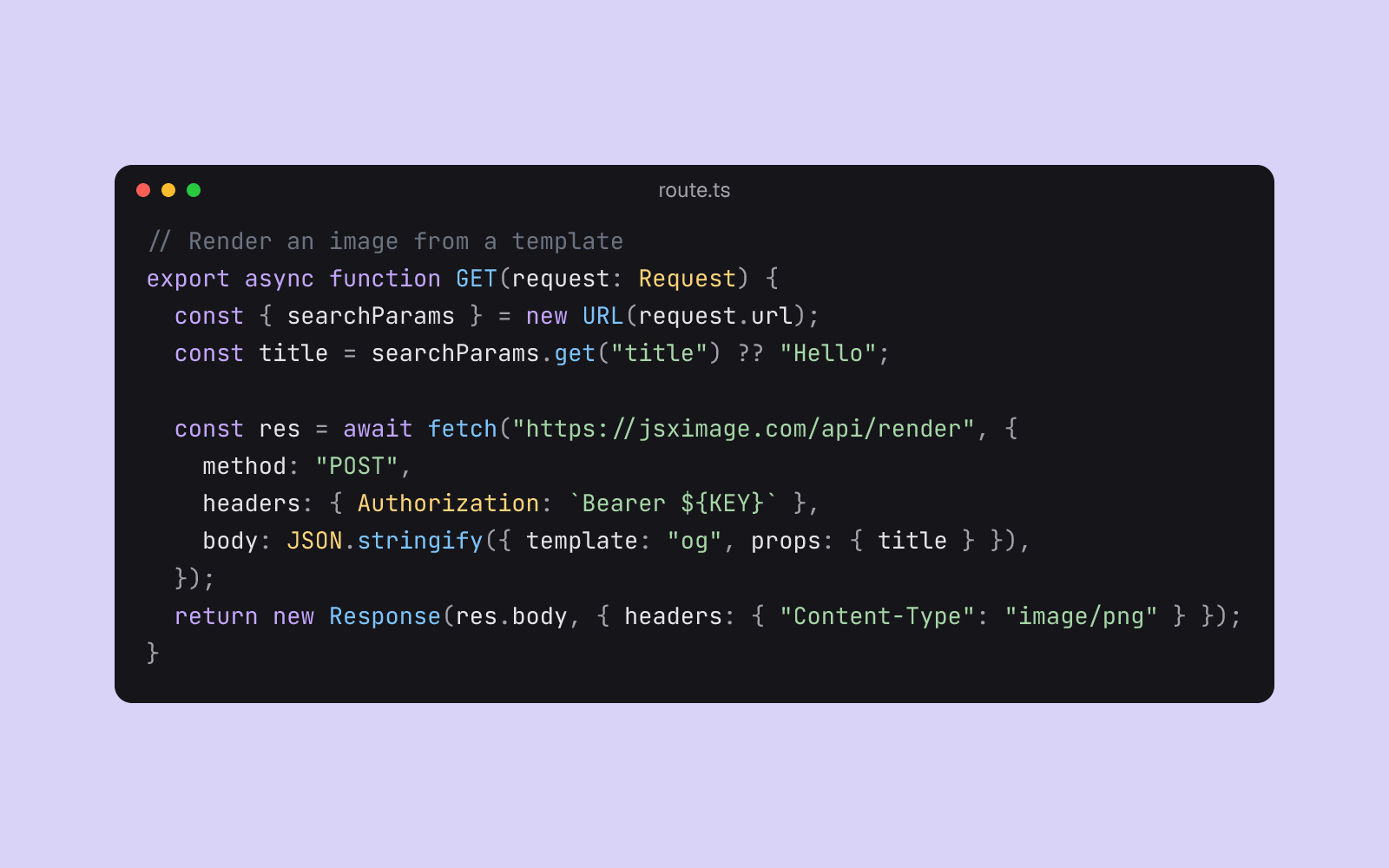
1600 × 1000Turn code into a highlighted image in an editor window, for posts, slides and docs.
Shopify product image
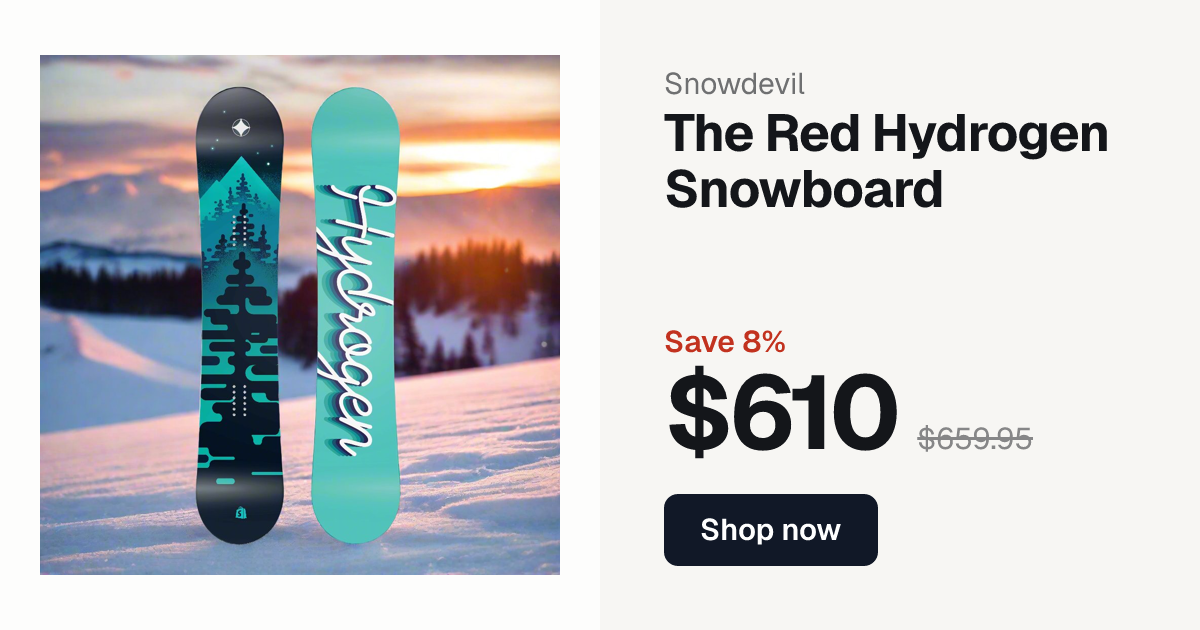
1200 × 630Make a share image for any Shopify product from its store and handle: photo, title, price and sale badge, as a 1200 × 630 PNG.

Certificate generator
2000 × 1414Make a certificate of completion: fill in the name, course and date, pick a color and download a print-ready PNG.
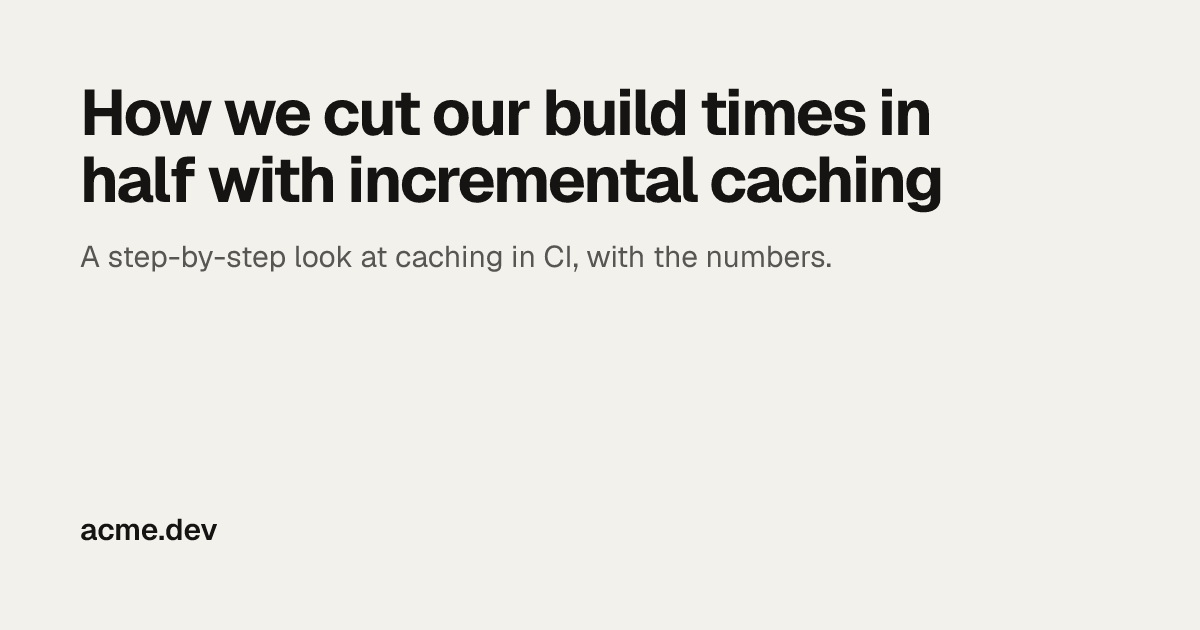
Open Graph image generator
1200 × 630Make an Open Graph image for a blog post or page, then download it or use a free live og:image URL in one meta tag.

YouTube thumbnail generator
1280 × 720Make a YouTube thumbnail with big bold text, a highlighted word and your photo, as a 1280 × 720 image.
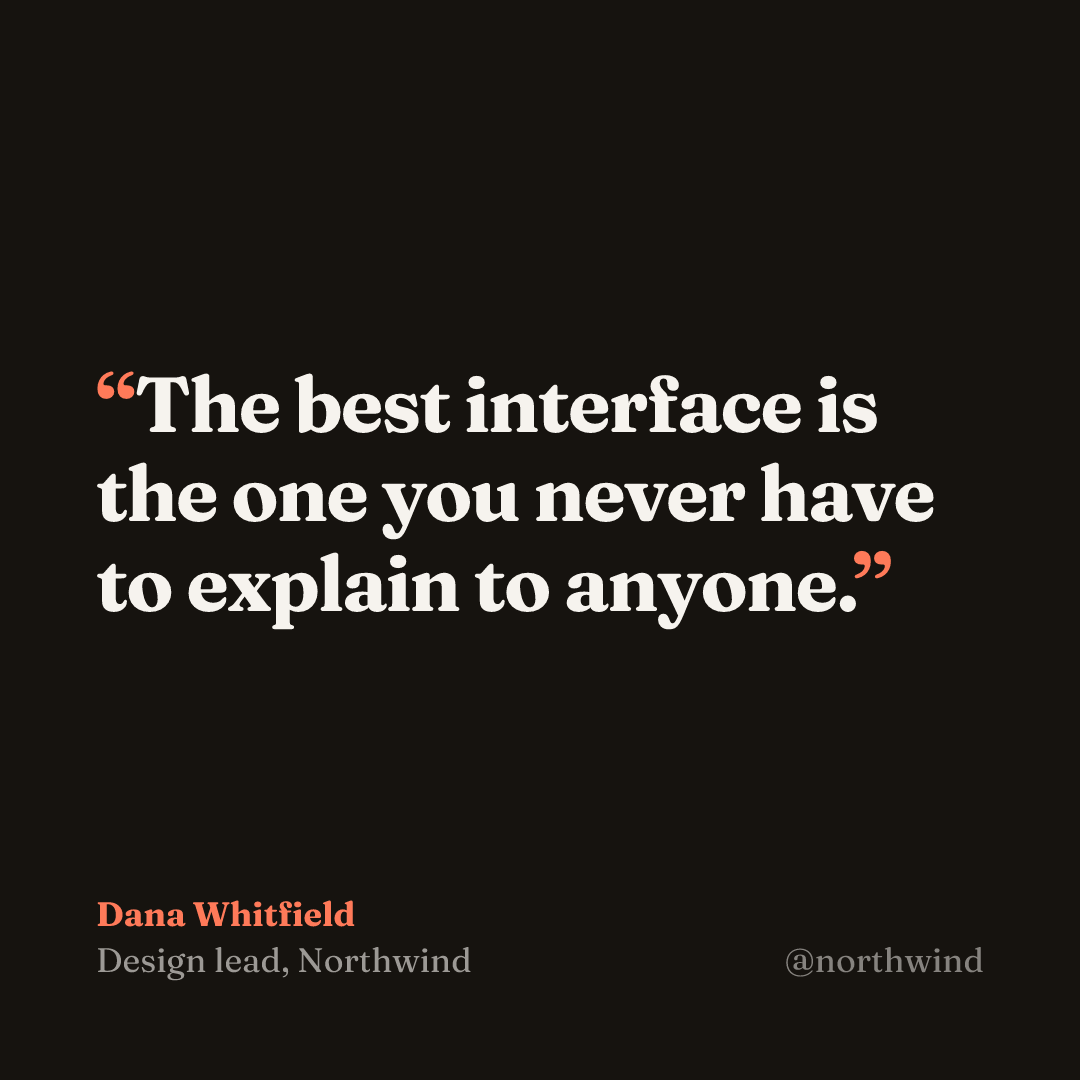
Quote image generator
1080 × 1080Turn a quote into a square image for Instagram, LinkedIn or X, with the author and your colors.

LinkedIn banner generator
1584 × 396Make a LinkedIn profile banner at the exact size, 1584 × 396, with your headline on the side your photo doesn't cover.
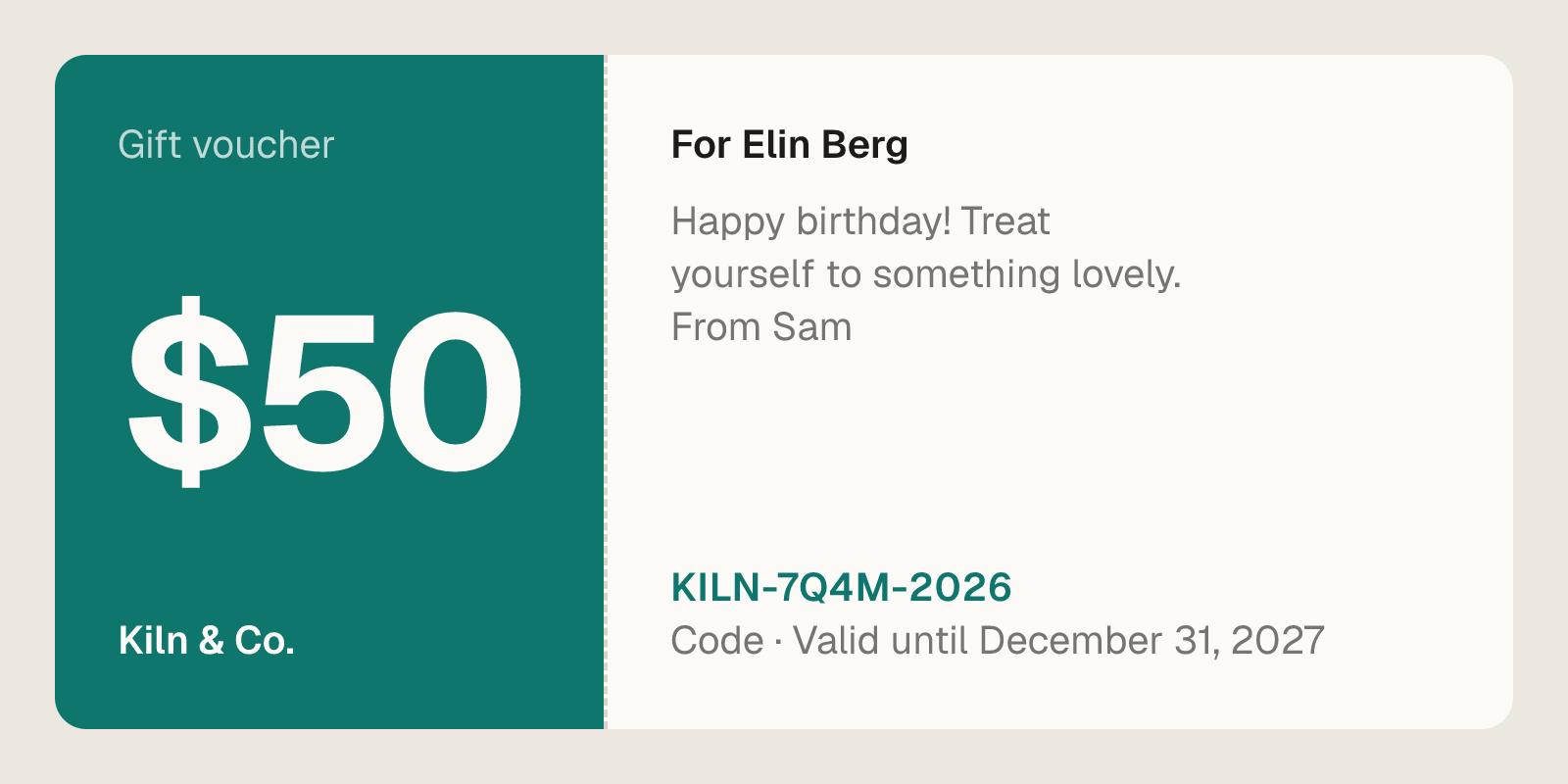
Gift voucher generator
1600 × 800Make a gift voucher with the amount, who it's for, a message and a code, ready to print or send by email.
Safe to edit with a team
Templates, API keys and signing keys belong to your organization. Changes are recoverable, and templates run in an isolated sandbox.
Template history
Every edit keeps the version it replaced, and a deleted template can be restored for 30 days.
Deletes limited to admins and creators
Any member can edit a template. Only an admin or its creator can delete it.
A sandbox for every render
Template code runs in an isolated JavaScript engine with limits on memory and time. Its only network access is a GET-only fetch to the hosts we allow.
Per-organization keys
API keys and the signing key are scoped to your organization and managed by its admins.
Details
- Hosted rendering behind a single HTTPS endpoint
- Plain HTTP and JSON, so it works from any language
- Templates are JSX and Tailwind, so they live in code you can review
- PNG, JPEG and WebP up to 4000 × 4000 px
- Custom fonts and remote images in templates
- Data-driven templates that fetch from an API before they render
- Quota headers and 429 + Retry-After, so you can handle limits
- No watermarks, unlimited templates on every plan, org-scoped API keys
- Live image URLs for img tags, og:image and email, cached at the edge
- Bulk export: a CSV or Excel file to a zip of images, in the browser
- An MCP server, so AI assistants can write templates for you
- Unlimited previews in the playground
Common questions
All 144 questions →- What is JSXImage?
- An API and a playground that turn a JSX and Tailwind template into a PNG, JPEG or WebP image.
- How do I get an image?
- Three ways:
POST /api/render, a live image URL you sign in your code, or a spreadsheet through bulk export. - Is there a free trial?
- Yes: 30 days with 250 renders and 3 templates, and no credit card. Choose a plan when you're ready. See pricing.
- Is it a headless browser?
- No. It uses Takumi, a renderer written in Rust and compiled to WebAssembly. That is why it supports a subset of CSS and Tailwind, not everything a browser does.
- What is a template?
- A JSX file with three exports:
props(the inputs and their defaults), a default component, andoptions(size and format). - Can a template load its own data?
- Yes. Export
async function data(props): it can fetch from an API, and what it returns is laid over the props. It can fetch from public APIs such as GitHub, Shopify products, npm, PyPI and Wikipedia. See Data-driven templates. - Which Tailwind classes work?
- A practical subset: layout, spacing, typography, colors, borders, shadows, gradients and arbitrary values like
bg-[#16130f]. - What is the endpoint?
POST /api/renderwith{ "template": "<uid>", "props": { ... } }. The response body is the image.- What is a live image URL?
- A signed link that renders a saved template with props from the URL. Use it in
<img>,og:imageor email. - What does a render cost?
- One render from your quota per successful request: your plan's monthly renders, or the trial's 100. Failed requests don't count.
- What is the MCP server?
- A public server that lets an AI assistant write a template for you. It has two tools:
create_templateandmodify_template.
Pricing
Try it free for 30 days: 250 renders and 3 templates, no credit card. Plans start at $49 a month for 10,000 renders and add organization members. At your monthly limit, the API returns 429 with a Retry-After header.